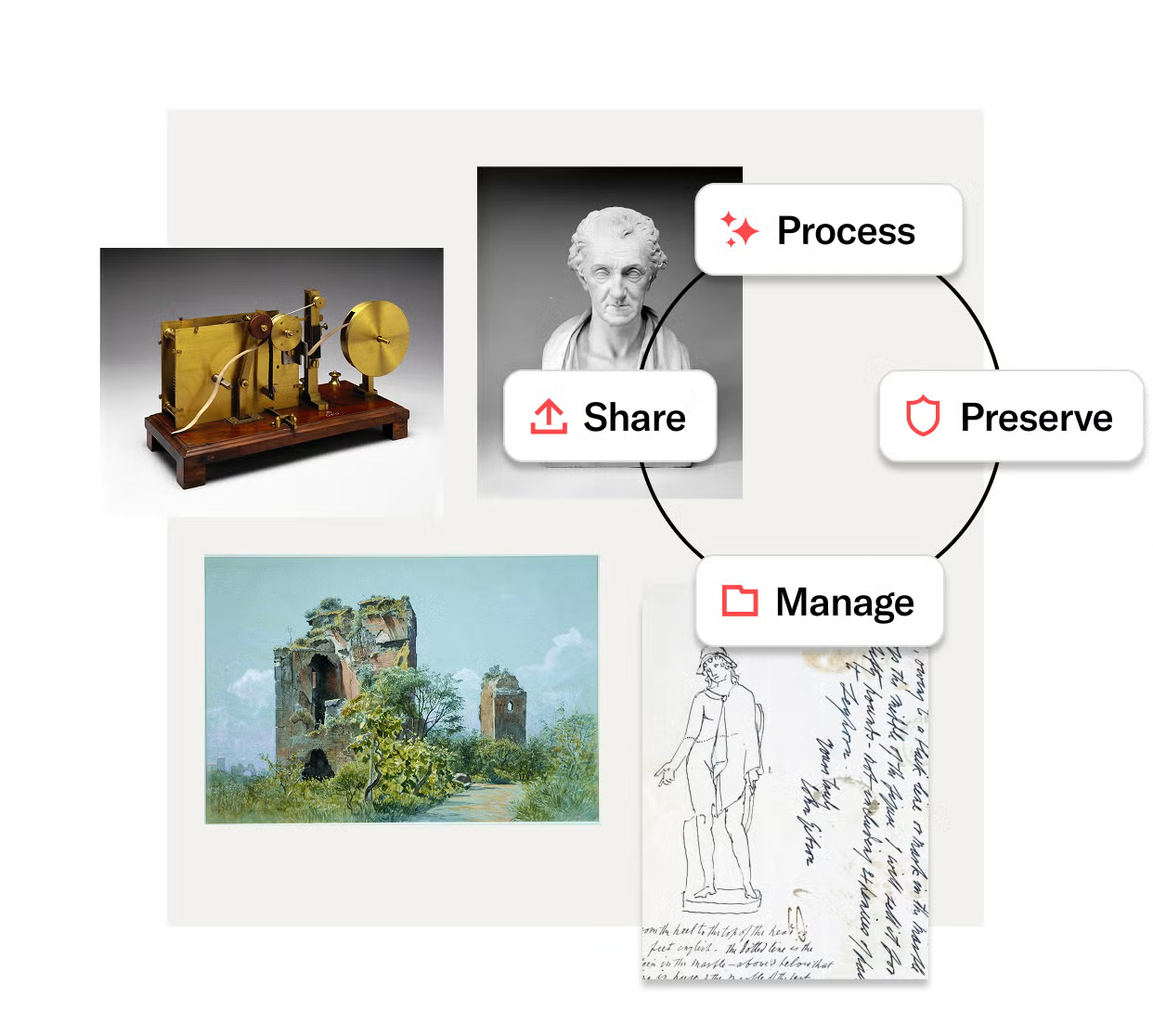
JSTOR brand refresh
and new marketing website
For 30 years JSTOR has brought together academic and cultural institutions from around the world to meet its mission: increase access to knowledge so people can improve their lives through learning.
Human-centered design that strengthens demand, engagement, and long term partnerships
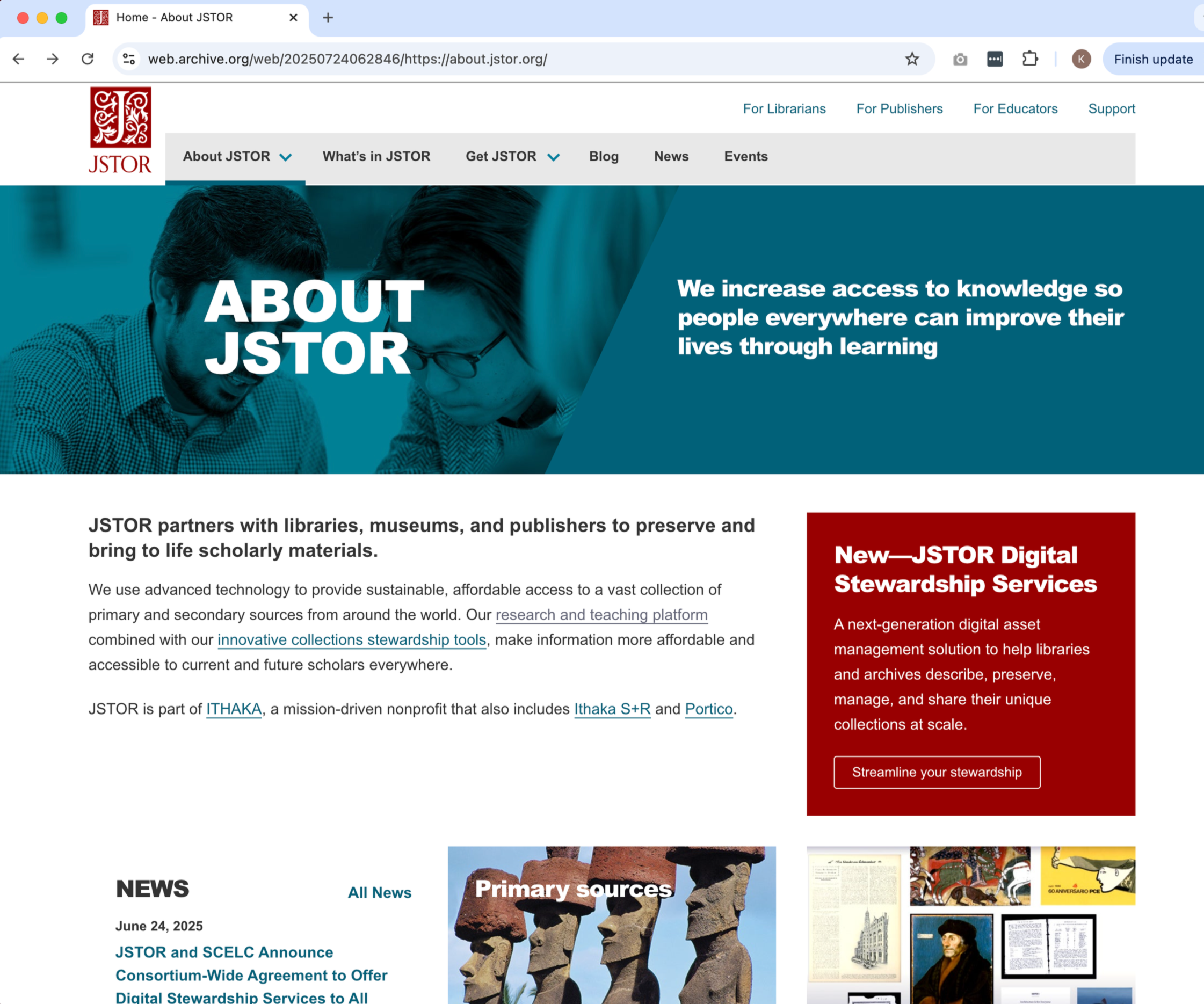
Before
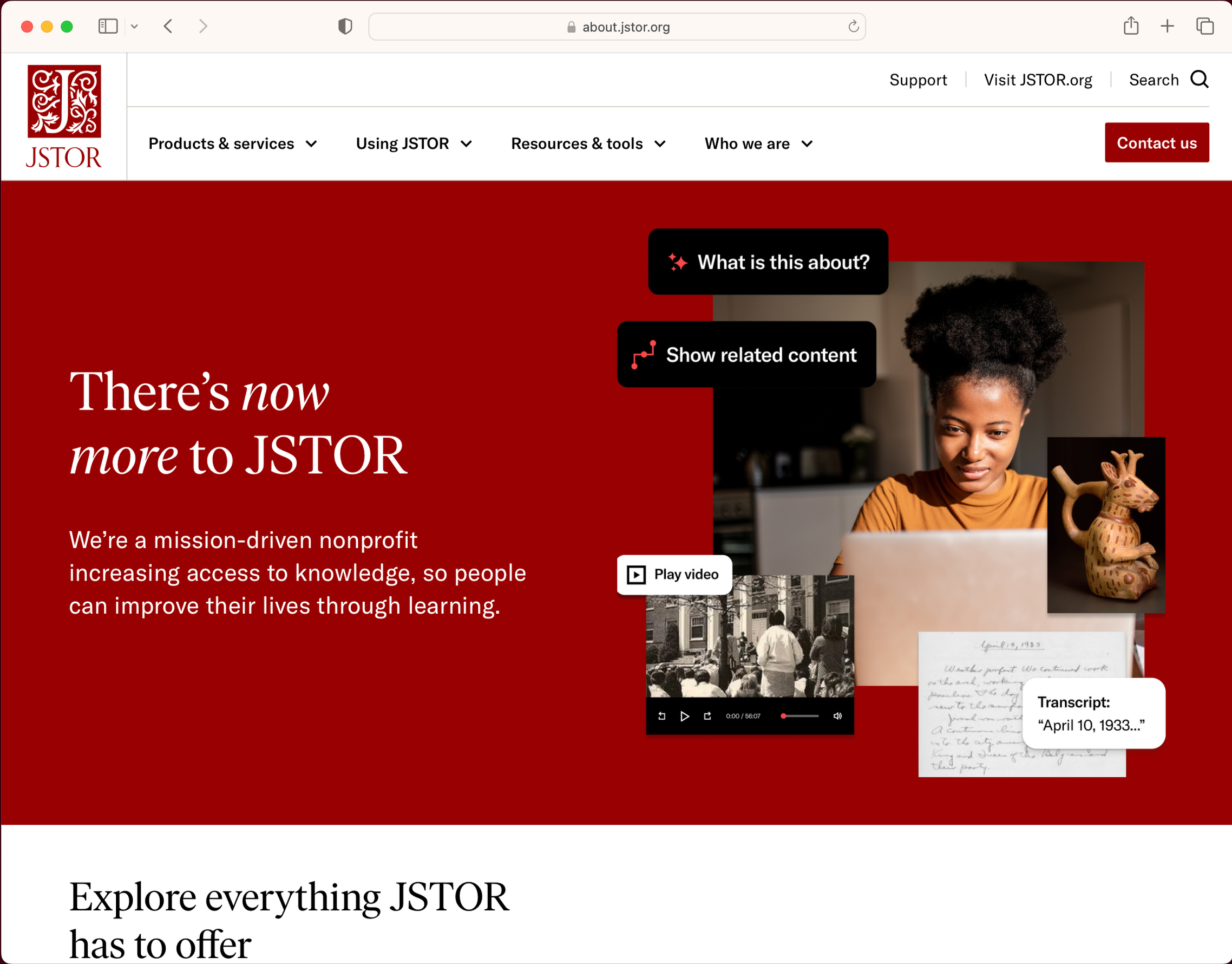
After
Goals and Early Results
Brand Redesign Goals
Center our audience using insights from our librarianship practitioner community and ongoing UX research.
Extend the JSTOR brand beyond the research platform to include Digital Stewardship Services.
Position JSTOR as the essential tech-driven solution for academic librarianship, and for the 81+ million researchers on jstor.org annually.
Educate the customer on the product benefits specific to their role, and empower them to influence decision-makers with clear and impactful design and copy.
Brand Redesign Results
A more unified brand expression for marketing and product experiences rooted in audience insight, cultural context, and product truth.
Efficient, accurate ongoing execution with design systems, libraries, templates, messaging frameworks, and presentation templates.
Designers and writers (and non-designers and non-writers) have resources to quickly execute on-brand imagery and copywriting.
Website Goals
Show full portfolio as one coherent story while strengthening SEO, lead generation, and campaign support.
Improve traffic, pageviews, engagements and form submissions.
Use human-centered design and user stories to create a focused experience that clearly communicates relevant benefits for each visitor and their leader/decision-makers.
Crisp communication: Text prioritizes one main takeaway. Images support text to communicate details in quick and memorable ways.
Website Results
Major redesign showcases the full portfolio as a coherent story with SEO for lead generation and campaign support.
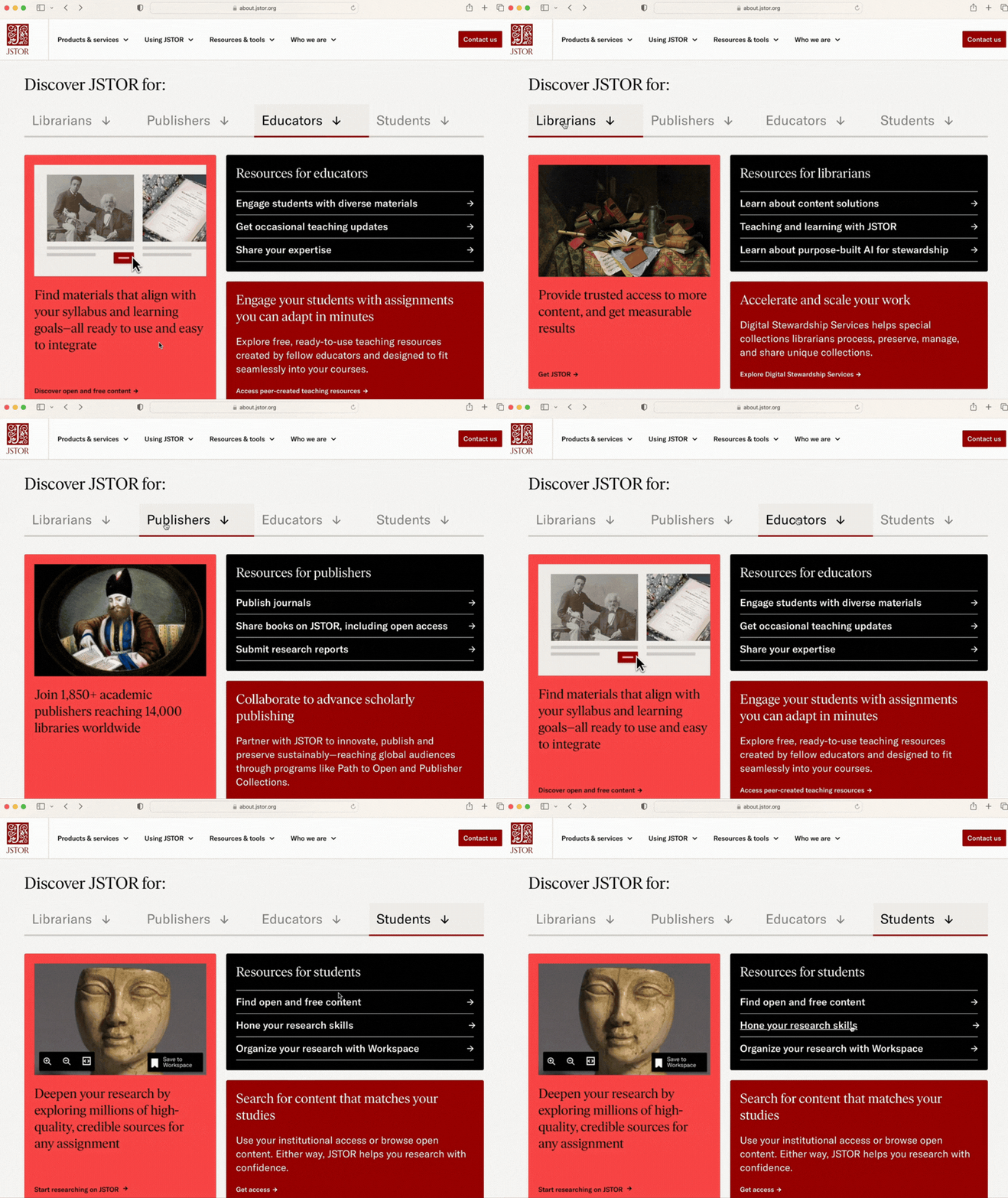
New user flows for self-identification allow improved flow to role-specific benefits and resources.
+12% YoY traffic (+13% new users)
+6% pageviews
+8% engagement events
+29% form submissions
The newly redesigned marketing website serves the various audiences and their needs through user stories. Here are some examples:
As an Resource Librarian, I want to see research materials that support our educators and students so that I can allocate my budget to best support student success.
As a Special Collections Librarian, I need to describe, manage, and safely post our institution's special collections of scholarly materials so that they are discovered by researchers.
As an Educator, I need a reliable and tech-forward research platform for teaching and learning so that I can help foster student success.
As a Student/Researcher, I need access to primary and secondary source materials specific to my area of research so that I can achieve my academic goals.
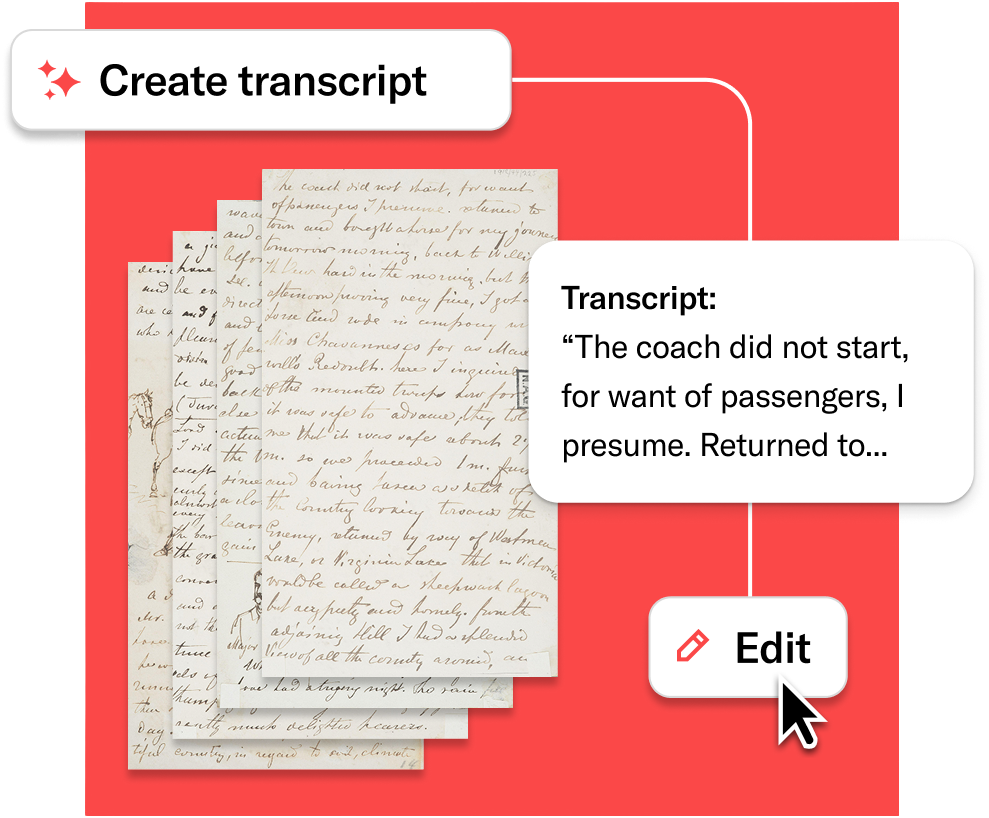
AI-assistant function
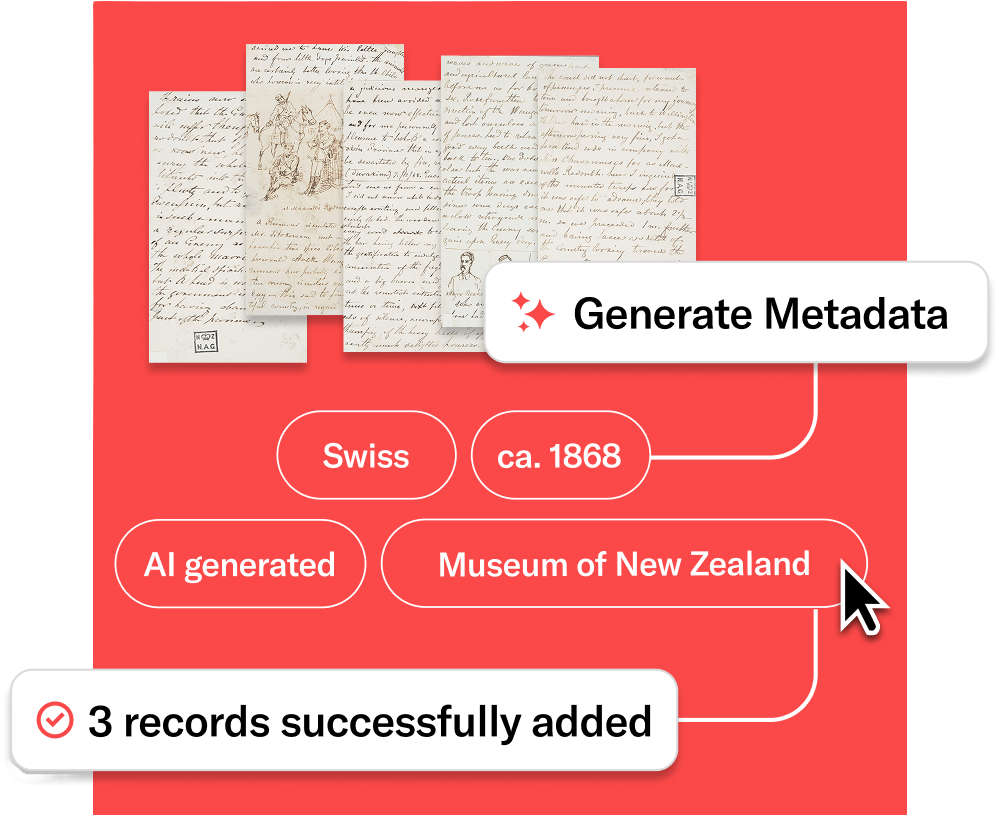
Workflow automation
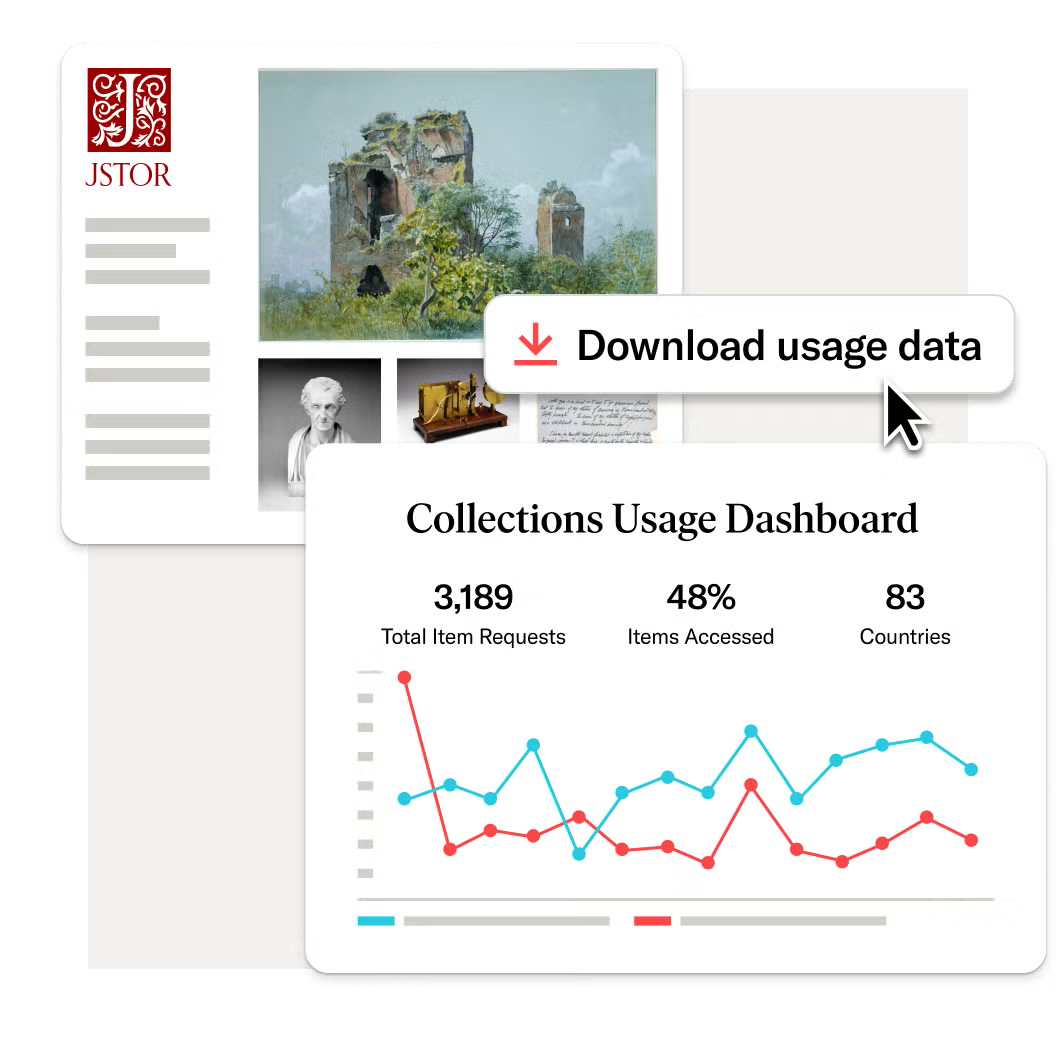
Usage reporting
Step 1. Understanding our new audiences
JSTOR has deep knowledge of our research platform audiences through 30 years of partnerships with the community. For this project we needed an informed understanding our new Stewardship Services audiences. So, our research lead created a thorough study of 120 practitioners. These qualitative insights informed new personas and user stories to guide the brand refresh and website redesign. See the Stewardship Services case study.

Step 2: Support for storytelling
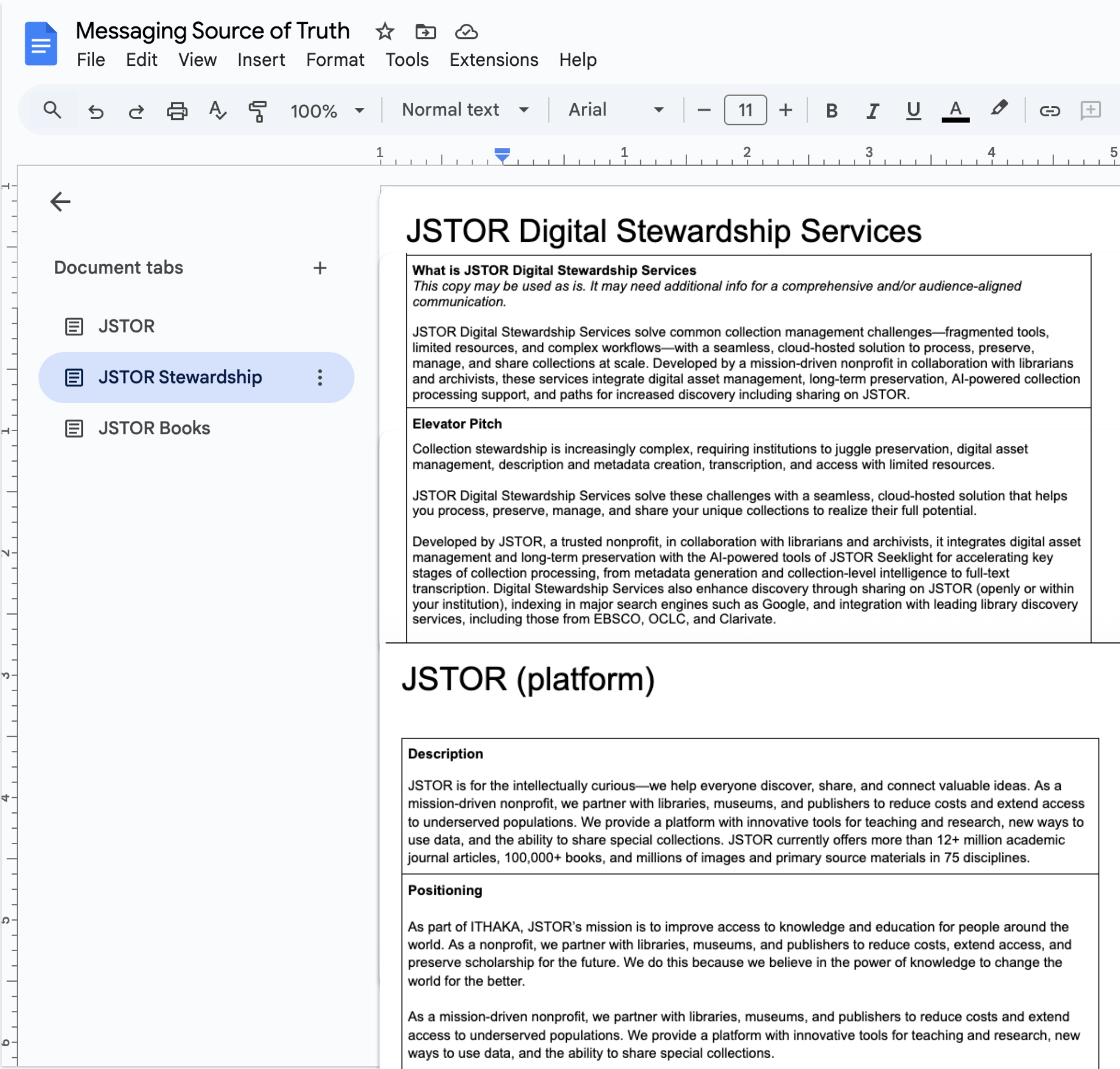
The JSTOR messaging source of truth is a living document that guides writers to consistently expedite downstream content. The short- and long-form message options convey the value we deliver relevant to various roles to help inform and influence decision-makers.
I oversaw the copywriter and editor for this carefully crafted and valuable asset for efficient writing. To ensure accuracy, I collaborated with the product team and the product marketing lead. I socialized the resource for use by thought leadership, marketing, sales, and product education teams.
Step 3. Audit the old brand
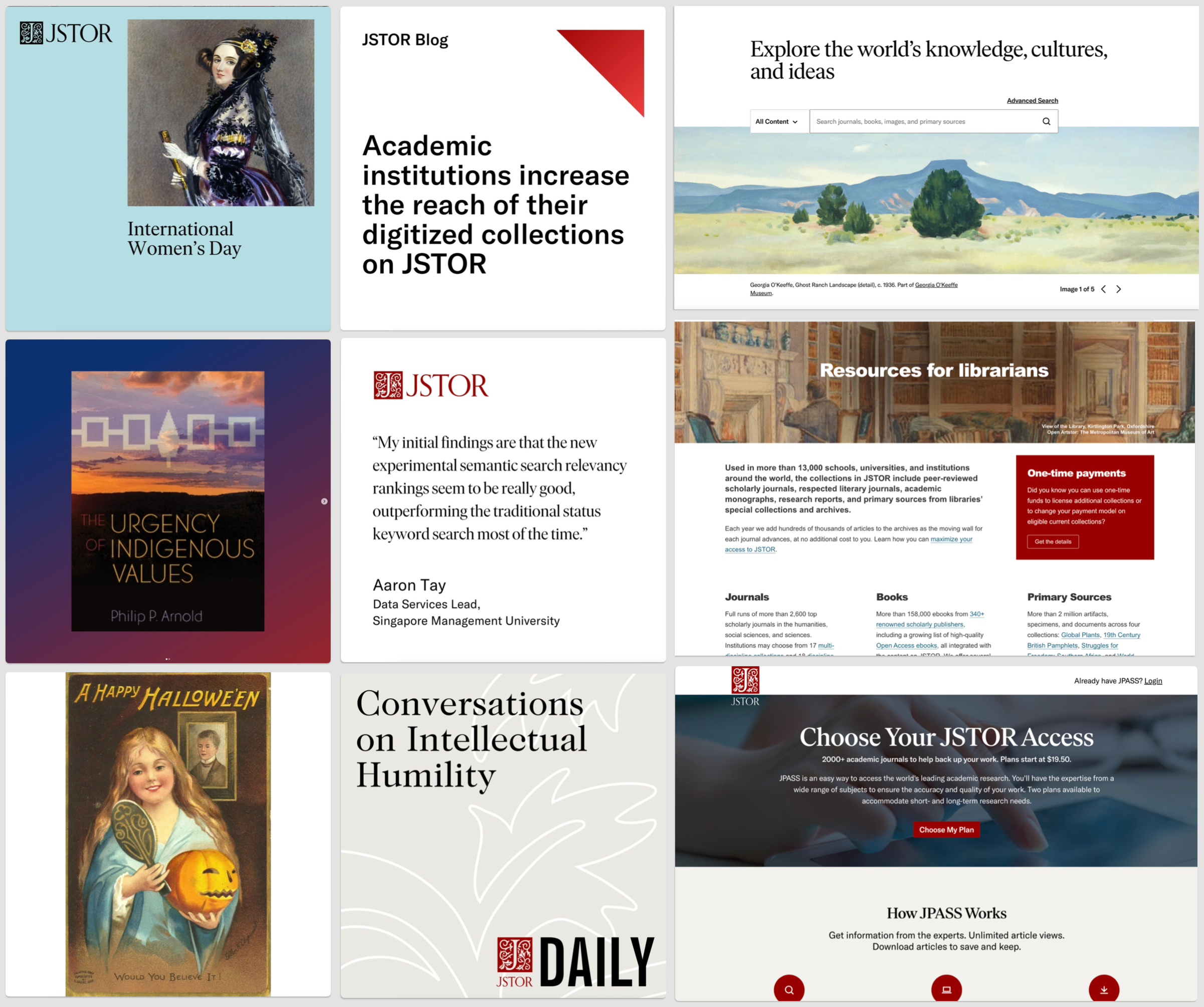
We assessed the existing brand elements against our redesign goals and relative return on investment. We focused on where we could make the biggest impact to make the brand more memorable and relevant for our audiences’ needs. Our goal was to enhance, not change the JSTOR brand expression.
Step 4. Revise the visual language
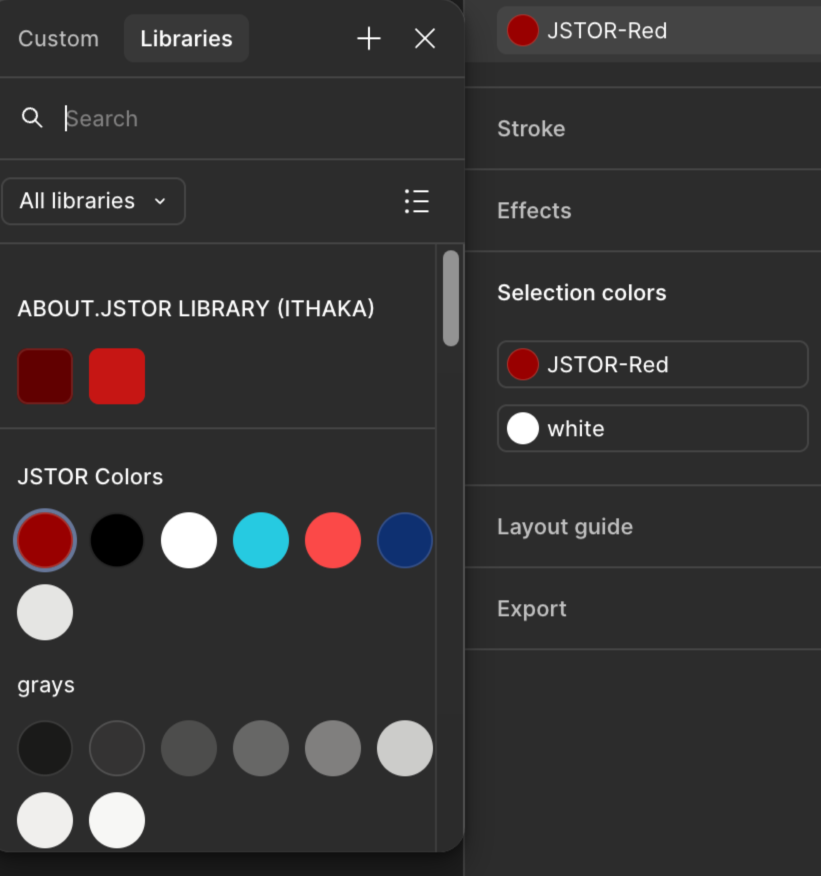
JSTOR is a red brand, but the original color palette included several blues. We updated the palette with two new shades of red for depth, texture, and vibrancy. The brand palette is now eneregic and remains instantly recognizable.
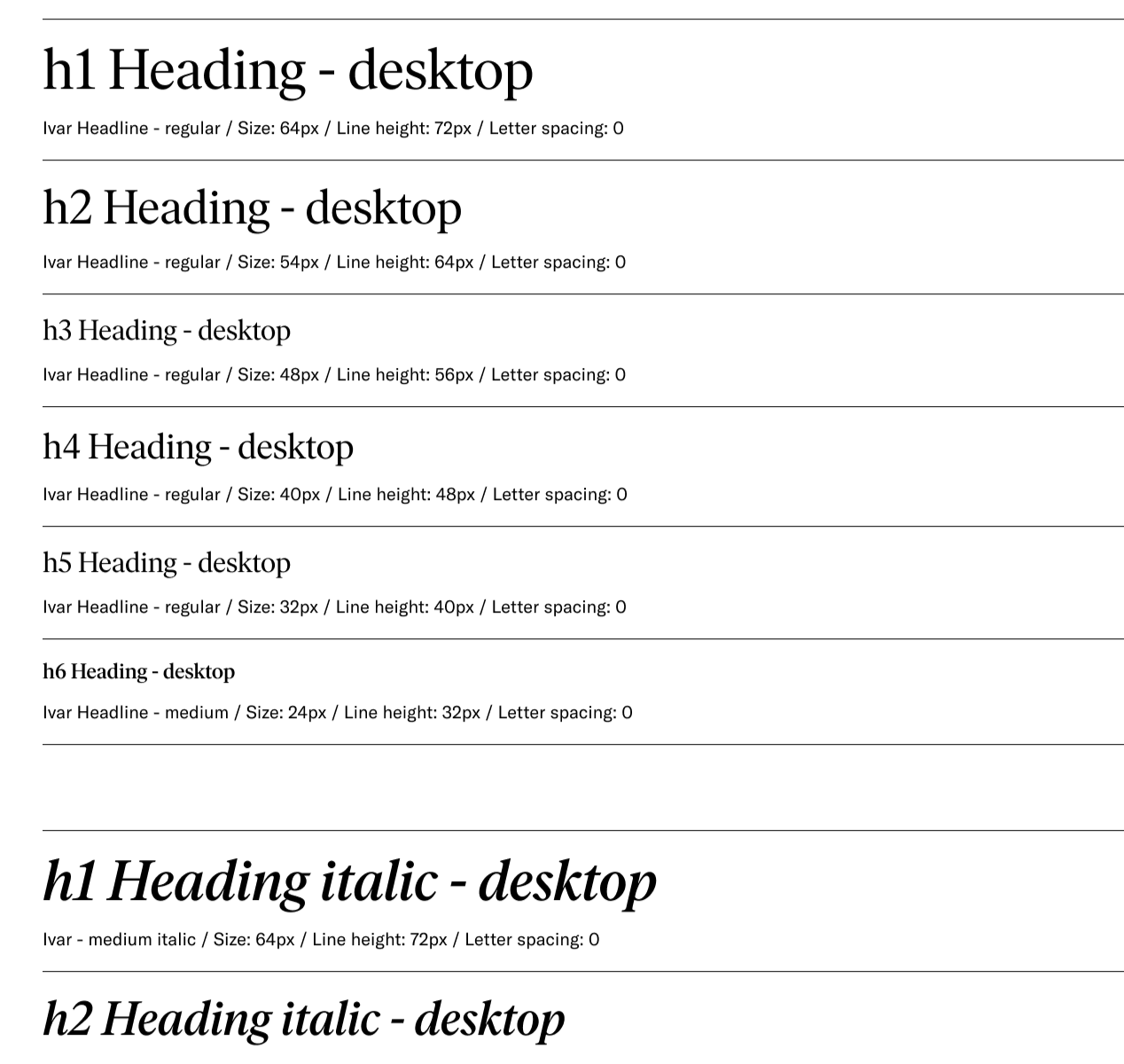
We revised the typography to be more dymanic and inviting. We kept the existing fonts and added type size variation, opened letter spacing and line height—and an expressive use of italics.

Step 5. Update systems and templates
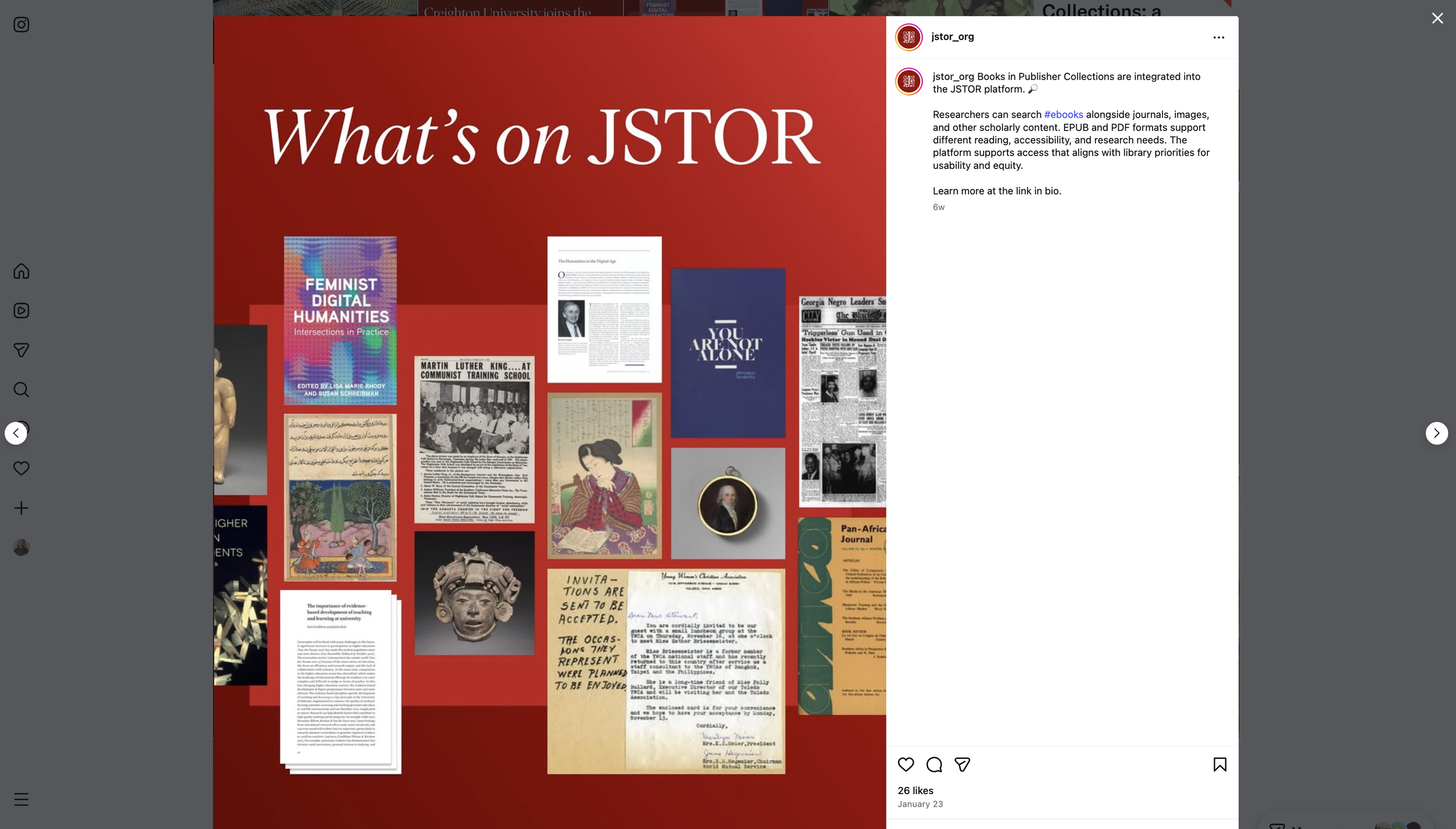
The brand libraries are in Figma, Adobe CC, and Canva. Easy-to-use templates for non designers are in Canva and Google Workspace.
Improve speed and efficiency for design and development
Ensure consistency across digital and in person experiences
Maintain brand integrity
The Team
My Role
I led the brand refresh, and co-led the website redesign using a human-centered approach balanced with our organizational goals. I gathered internal audience insights from cross-discipline leaders, and referenced existing and new qualitative data from the research team. This information grounded our approach in audience insight, cultural context, and product truth. I provided branding and creative direction for designers, copywriters, and editors.
The Teams
Brand refresh: Marketing leadership; brand and creative direction for designers and writers, and editors (me); copywriters and copy editors; UX designers; graphic designers; and motion designers
Website design: Marketing leadership; brand and creative direction for external design agency, and internal designers, writers, and editors (me); digital marketing lead; marketing enablement lead; external design agency; internal copywriters; and visual designers
Product Branding
See the brand work for Digital Stewardship Services with JSTOR Seeklight, an AI-assisted processing tool for collections management.